
Tesla Wall Charger Setup: Wi-Fi, Power Sharing, First Charge
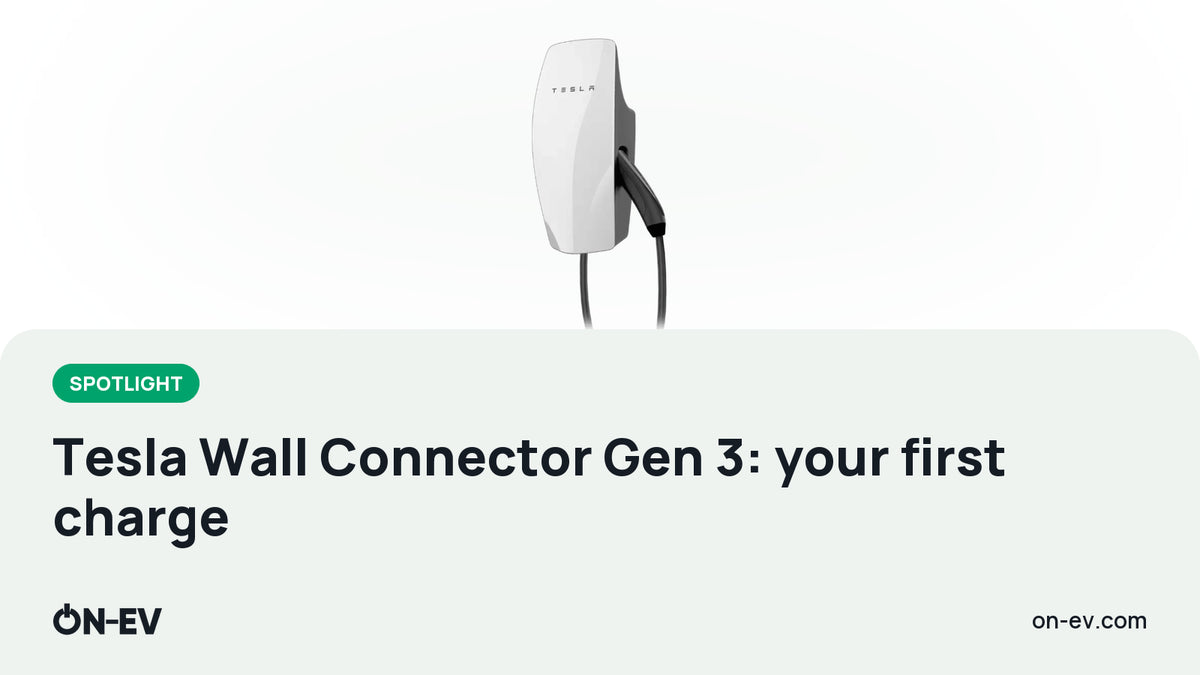
The Short Answer
Setting up a Tesla wall charger such as the Wall Connector Gen 3 comes down to three jobs: join it to your Wi-Fi so the Tesla app can schedule charging, decide how power sharing works if two cars share a circuit, and check that the 7.3m tethered cable reaches your charge port. Your electrician fits the unit. You bring the Wi-Fi details and a plan for the cars.
How do you connect a Tesla Wall Connector Gen 3 to Wi-Fi?
The Tesla Wall Connector Gen 3 has Wi-Fi for charge scheduling and firmware updates, and it works with the Tesla app. Have your home Wi-Fi name and password written down before the electrician arrives, then follow the prompts in the Tesla app to join the network.
Signal matters more than most people expect. A garage or an outside wall is often the furthest point from the router. Stand where the charger is mounted, or will be, and check your phone gets a steady connection there. If it does not, a Wi-Fi extender nearer the charger is worth sorting before the day.
Once connected, the charger gets automatic firmware updates, so you do not need to do anything to keep it current.
What does the Tesla app do with the Wall Connector?
The Wall Connector Gen 3 has native Tesla app integration for Teslas. That covers scheduling and energy tracking, so you can choose when charging runs and see what the charger has used. Model 3 and Model Y owners use the same app they already use for the car.
Set the schedule once the charger is online, then plug in on your first evening and check the session starts when you expect. Car-side charge timers and battery settings are covered in your car's handbook.
The Tesla Wall Connector Gen 3 review covers the unit itself. This guide picks up after it is on the wall.
What is power sharing, and do you need it in a two-Tesla home?
Power sharing lets several Wall Connector units share one circuit. The Gen 3 supports power sharing across up to 6 connected units on one circuit. In a two-Tesla home, that means two chargers can run from one circuit instead of two separate runs.
Decide this before the electrician visits, because a second unit is easier to plan for at the start. If both cars park where one tethered cable can reach, a single charger and a plug-in swap may be all you need. If each car has its own space, two units with power sharing gives each its own cable.
The Gen 3 gives up to 7.4kW on a UK single phase supply (also configurable to 22kW on a three phase supply). Your supply type decides which applies, and your electrician will know which you have.

How far does the 7.3m tethered cable reach?
The Wall Connector Gen 3 comes with a 7.3m tethered Type 2 cable. Measure from the spot where the charger will be mounted to your car's charge port while the car is parked the way you normally park it. Charge port position differs between cars, so use your own parking position, not a straight line on a plan.
Tethered means the cable is permanently attached, so there is nothing to carry or store in the boot. Our tethered vs untethered guide explains the trade-off, and our cable length guide shows how to measure a run.
The cable charges any EV with a Type 2 inlet, not just Teslas. If a friend or a second car with a Type 2 inlet visits, it plugs straight in.
What should you have ready on the day?
Have five things to hand when the electrician arrives: your Wi-Fi details, the Tesla app signed in, your usual parking position, your earthing type and a decision on who can use the charger. Each one saves a delay later.
- Wi-Fi name and password, with a signal check done at the wall.
- The Tesla app installed and signed in on your phone.
- Your usual parking position, so the cable reach can be checked with the car in place.
- Your earthing arrangement. The Gen 3 does not integrate PEN fault protection, and an external device is required on PME, so tell the electrician what you have.
- A view on access. The Gen 3 has a vehicle whitelist for restricted access, useful on a shared drive.
The charger has built-in 6mA DC fault detection and works with an external Type A RCBO. Your electrician will fit the right protection at the consumer unit.
Which Gen 3 specs matter for setup?
Five details shape how the Wall Connector Gen 3 is set up in a home: power output, cable, connectivity, power sharing and warranty. The table puts each next to what it means on the day.
| Detail | What the Gen 3 offers | What it means for setup |
|---|---|---|
| Power | up to 7.4kW on a UK single phase supply (also configurable to 22kW on a three phase supply) | Your supply type sets the output |
| Cable | 7.3m tethered Type 2 cable | Measure to your charge port |
| Connectivity | Wi-Fi | Check signal at the wall |
| Power sharing | up to 6 connected units on one circuit | Plan a second charger early |
| Warranty | 4-year warranty | Keep your order details |
| Price | £459.00 | Equipment only, fitted by your electrician |
Tesla Wall Connector Gen 3

Is the Gen 3 only for Tesla cars?
The Wall Connector Gen 3 is not limited to Teslas. Its tethered Type 2 cable charges any EV with a Type 2 inlet. The Tesla app integration is for Teslas, so a non-Tesla car charges fine but does not get that app link. Browse more options in the Tesla chargers collection, or read our guide to choosing a home EV charger.
Tesla Wall Connector Gen 3
Frequently Asked Questions
Does the Tesla Wall Connector Gen 3 work with a Model 3 and Model Y?
The Gen 3 has native Tesla app integration for Teslas and a Type 2 cable that charges any EV with a Type 2 inlet. Check your car's charge port type in the handbook.
Can I charge a non-Tesla car on a Tesla wall charger?
Yes. The 7.3m tethered Type 2 cable charges any EV with a Type 2 inlet, not just Teslas.
Can I stop other people using my Wall Connector?
The Gen 3 has a vehicle whitelist for restricted access, so you can limit which vehicles use it.